

Unlock your potential

Free Registration – Access Exclusive Resources

How to Create a Highlight Video That Gets College Coaches’ Attention

By

Insight-Athletics

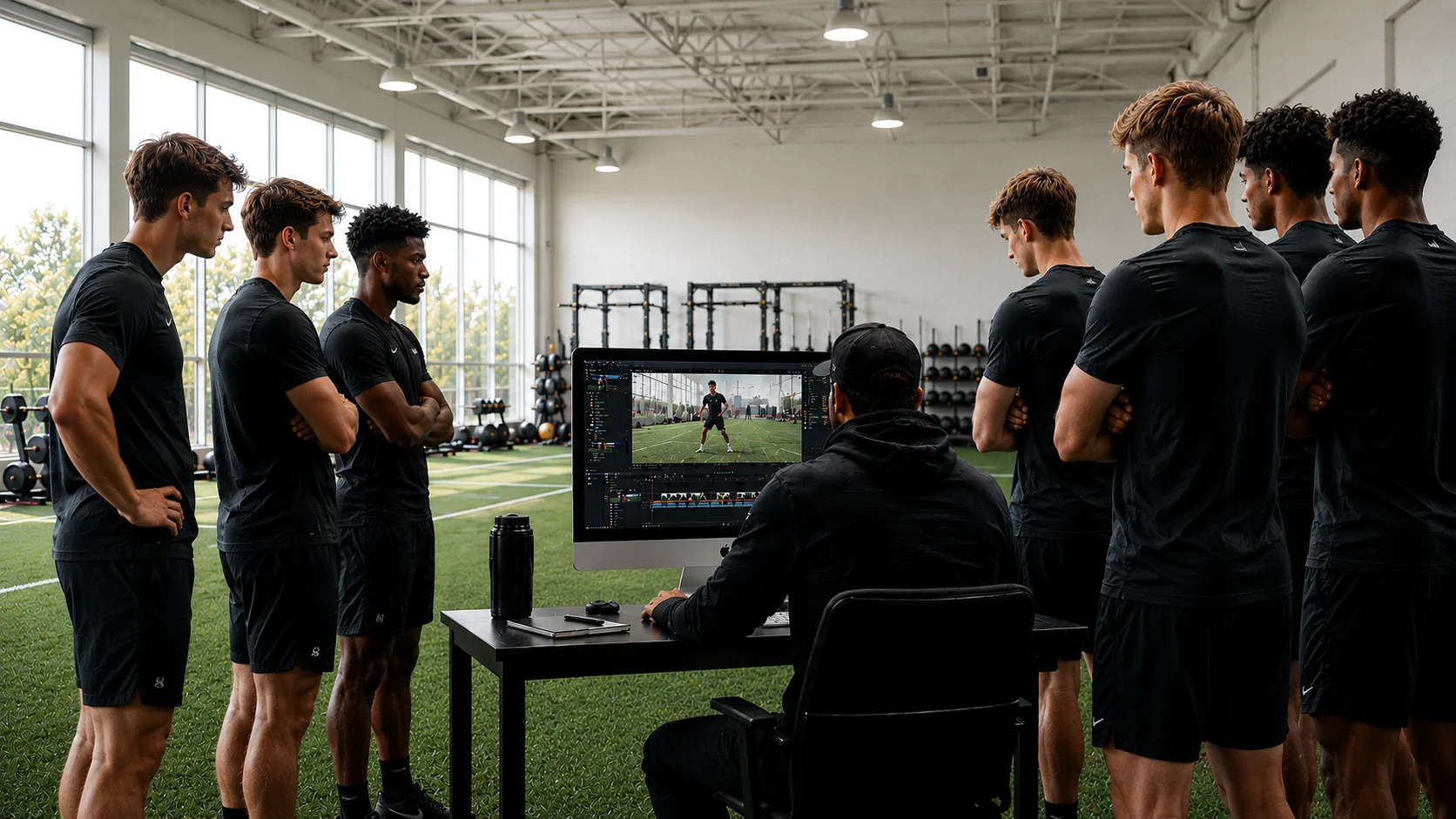
Student-athletes editing a highlight video to show skills and plays for college coaches during recruiting

Highlight videos play a huge role in helping student-athletes stand out. These videos make a strong first impression and help college coaching staff understand skill level, growth, and potential. Learning how to create a highlight video does far more than put clips together. It tells a clear story about how a student-athlete performs in real competition. The process feels simple at first, but the details matter.

This guide walks you through how to create a highlight video that fits compliance rules, respects communication timelines, and helps student-athletes represent their abilities with confidence. 

Tips to Create a Highlight Video That Gets College Coaches’ Attention

1. Capture Strong Game Footage

Everything starts here. The foundation of any highlight video lies in clear, steady clips. People often use a phone, a digital camera, or a basic camcorder. Coaches care less about the camera model and more about visibility. 

Here is how you can capture quality game footage: 

  • Record full games so there is enough material to pull short clips. 
  • Stay close enough to see movement and decision-making. 
  • Use a tripod so the video stays steady during fast plays. 
  • Keep the lens clean before recording. 
  • Avoid zooming too much because zoom creates shaky footage, and doesn’t represent the full action.
  • Resolution: 1080p HD is the standard. 4K is great but can be large to transfer. 

Every clip should feel natural. No dramatic filters. No heavy editing. Coaches want to see real skill, real speed, and real reactions as well as the interactions between player and teammates and competition.

2. Start With 5 Seconds of Clear Identification

Coaches need quick context. A simple intro screen works well. It should last only five seconds. This keeps the video professional without wasting time. 

Include: 

  • Student-athlete full name 
  • High school name and graduation year 
  • State 
  • Jersey number (if the sport uses numbers) 
  • Club name(s) (if relevant) 
  • Tournament or Event
  • Date (Year of action)

You often think about how to create a highlight video that feels polished without being too fancy. This simple intro sets a clean tone.

3. Keep the Video Between 3 and 5 Minutes

Coaches review a large number of highlight videos during each cycle. A short video respects their time and makes them more likely to finish watching. So, it’s important to make the first minute count! 

A great length sits between 3 and 5 minutes. This window gives enough room to show multiple skills without overwhelming the viewer. A longer video does not create a better impression. Coaches make early evaluations within the first minute anyway.

4. Place Your Best Clips at the Beginning

Coaches lose interest quickly when a video builds slowly. They want to see strong skills immediately. The first 30 seconds matter the most. 

Consider placing clips that show: 

  • Speed and movement 
  • Game awareness 
  • Technique 
  • Confidence 
  • Ability to stay composed in real competition
  • Action/reaction to competition and teammates (example: Assist)

Also Read: What is NCAA Eligibility: Core Courses, GPA, and Requirements

5. Keep Every Clip Short and Clear

It’s true that long clips distract. Whereas short clips highlight skills quickly. Every clip should focus on one skill or one moment. This style keeps the video engaging and easy to evaluate. Guidelines that work well: 

  • Clip length stays between 5 and 12 seconds 
  • Do not repeat the same type of action many times.
  • Highlight player early in the action.  Box, Circle, Color. 
  • Stay consistent with angles and lighting 
  • Remove slow-motion edits 
  • Avoid background music with lyrics…unless you feel strongly otherwise. Your call. 

6. Structuring the Video: The First 30 Seconds Rule

You must front-load your best clips. Many student-athletes save their “grand finale” play for the end of the video. This is a mistake. A coach might never get to the end. Put your absolute best 4 to 5 plays right at the start. 

These opening plays need to leave no doubt about your ability. If you are a scorer, show a variety of scoring methods and team play. If you are a defender, show a lockdown play or a turnover. Hook the viewer immediately. 

Structuring the rest of the video: 

  • Intro Slide: Keep it on screen for 5 seconds. 
  • Top 5 Plays: Your “wow” moments. 
  • Position-Specific Skills: Show versatility and consistency. 
  • Motor/Hustle Plays: Show that you work hard off the ball. 
  • Closing Slide: Contact info and academic summary again (if strong).

7. Follow Compliance Rules and Timelines

You may sometimes misunderstand the rules about communication and timelines. Creating a strong highlight video does not mean a student-athlete can reach out freely. Every sport and division level uses a clear timeline that guides what the coaching staff can view, request, or respond to. 

A highlight video becomes most helpful when you respect these guidelines and understand what the coaching staff can legally respond to or request during each phase. This builds credibility and trust. 

With the right information, you can avoid mistakes and understand the full process. A clear video becomes a safe and strong tool during the appropriate stage.

8. Build a Strong Profile Around the Video

A highlight video becomes powerful when paired with a strong PROFILE. You often use athlete recruiting services or work with a sports recruitment consultant to organize everything in one place. A profile should feel complete, clean, and easy to review. 

A strong profile need to include: 

  • Short Statement
  • Video Highlights
  • Physical details
  • Competitive background – any awards/press
  • Competition schedule 
  • Sport stats / performance metrics 
  • Academic details
  • Coach recommendations 
  • Relevant family background
  • Other activities, sports, community service details
  • Parent/student-athlete contact info

9. Keep Your Video Current

Your highlight video is a living representation of your best, at this moment.   It should evolve. Mid-season highlights can be effective if you are having a breakout year. Post-season highlights should include your best plays from the entire year, replacing weaker clips from the early season. 

This shows progression. A coach tracking you from your sophomore year to junior year wants to see development. They want to see that you got faster, stronger, and smarter. Mastering how to create a highlight video means mastering the update process as well. 

Common Mistakes to Avoid While Making a Highlight Video 

Student-athletes often fall into a trap set by a sports recruitment company that hurts their evaluation. Avoiding these pitfalls puts you ahead of the competition. 

Steer clear of these errors: 

  1. Slow Motion Overload: Only use slow motion if it clarifies a complex play. Constant slow-mo ruins the rhythm and makes it hard to judge game speed.
  2. Replaying the Same Clip: Show the play once. If it is good, they will watch it again.
  3. Including routine plays: A standard catch or a basic tackle does not belong in a highlight reel. Only include plays that demonstrate college-level potential.
  4. Long Intros: Do not put 30 seconds of photos or walking out of the tunnel before the highlights start. Get to the action.

Empower Your Future with Insight-Athletics’ Guidance 

Insight-Athletics operates as a premier platform and consultancy dedicated to education. Our mission is to empower families and student-athletes to represent themselves by being educated and strengthened with uniquely strong profiles. 

FAQs: 

What do college coaches look for in highlight videos? 

College coaching staff want a clear look at a student-athlete’s skill set. They focus on clips that show technique, movement, decision-making, and how the student-athlete performs in real competition. A strong mix of abilities helps them evaluate potential faster. 

What are the 4 C’s of student-athlete development? 

The 4 C’s include confidence, control, commitment, and concentration. These qualities support growth on and off the field. Student-athletes improve these traits through consistent practice, mental focus, and strong routines that help them perform well during games and in everyday life. 

How much do sports highlight videos cost? 

The cost of highlight videos depends upon the company and type of video. Many highlight video services start around 200 dollars, depending on editing needs and video complexity. 

How long should a highlight video be? 

A strong highlight video stays short and focused. Most college coaches prefer videos that run for around four to five minutes. This length gives them a solid sense of the student-athlete’s abilities without overwhelming them.  However several 1-2 minute highlight videos is also effective. 

How many clips should be in a highlight video? 

A five-minute video usually includes 15 to 30 clips, depending on the sport and the pace of the action. This range gives coaching staff enough material to evaluate skill level while keeping their attention throughout the video.  Of course, again, this all depends on the sport and the time of action.

Also Read: What Is NIL in College Sports? Name, Image, and Likeness Explained

Let's Get Started

Takes only a few minutes